Intel NUC X15
Global ranking
#552/ 514
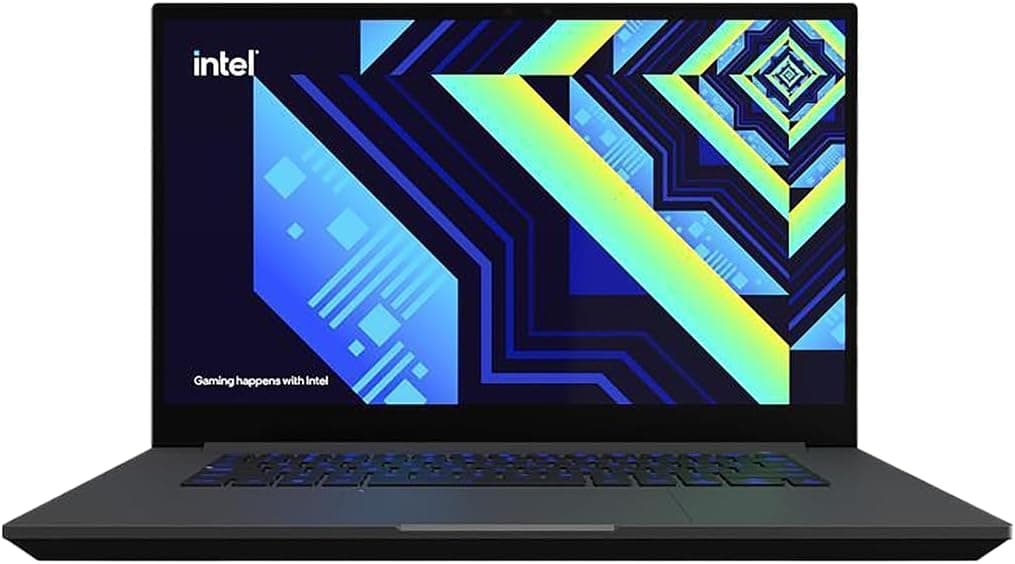
Intel


Tech score
Tech score70%
Similar items
Key takeaways
- The NUC X15 excels in CPU performance and upgradability but lacks a dedicated GPU for heavy gaming.
- Balances durable, compact design with upgradable components, but lacks battery for true portability.
- 144Hz IPS display offers smooth visuals but lacks 4K resolution for high-detail workflows.
- Offers robust connectivity and usability for professionals but lacks USB4 and a high-quality webcam.
Parameters
Dimensions
358.3 x 235 x 22.2 mm (14.11" x 9.25" x 0.87")
Width in MM
358.30
Height in MM
235
Depth in MM
22.20
Weight
1.94 kg (4.3 lbs)
Weight in kg
1.94
Price Tag Reality
The Intel NUC X15’s Alder Lake-H architecture delivers a 14-core, 20-thread i7-12700H with a 4.70 GHz max boost, making it a compact powerhouse for multitasking and heavy workloads. Its upgradable 64GB DDR5/LPDDR5 RAM and 8TB NVMe SSD cater to users needing future-proof storage and memory. The 144Hz IPS display excels for competitive gaming and media, though its 1080p resolution limits 4K content. The Iris Xe integrated GPU offers decent performance for casual gaming but falls short for AAA titles compared to dedicated GPUs. Connectivity is robust, featuring Thunderbolt 4, 2500 Mbps Ethernet, and dual-band Wi-Fi 6E, ideal for creators and professionals. However, the absence of a dedicated GPU and 1080p display may deter gamers or 4K workflow users. Thermal management is stable with a 45W TDP and 100°C max operating temperature, though sustained high loads could trigger throttling. Weighing 1.94 kg, its magnesium chassis balances portability with durability, but the lack of a battery suggests it’s optimized as a desktop replacement. For users prioritizing raw CPU performance, upgradability, and compact form factor over dedicated graphics or 4K visuals, the NUC X15 justifies its value. Yet, those seeking a balanced gaming-laptop experience or higher-resolution displays may find its trade-offs limiting. Ultimately, it’s a compelling choice for power users who need a versatile, compact workstation but should carefully assess their specific workload demands.
Design Strengths
The Intel NUC X15’s build prioritizes compactness without sacrificing robustness, featuring a magnesium alloy chassis that balances durability with a sleek, professional aesthetic. Its dimensions (358.3 x 235 x 22.2 mm) and 1.94 kg weight position it as a portable workstation, though the absence of a battery suggests it’s optimized for desktop-like use. Internally, the Alder Lake-H architecture’s 14-core, 20-thread i7-12700H processor is paired with upgradable DDR5/LPDDR5 RAM (up to 64GB) and an 8TB NVMe SSD, emphasizing future-proofing and multitasking efficiency. The 15.6-inch 144Hz IPS display, while vibrant and responsive for gaming or media, retains a 1080p resolution that may feel dated for 4K content creation or high-resolution workflows. Connectivity is robust, with Thunderbolt 4, Wi-Fi 6E, and 2500 Mbps Ethernet catering to creators and professionals requiring high-speed data transfer. However, the reliance on integrated Iris Xe graphics—a departure from the previous generation’s dedicated GPU—limits its appeal for AAA gaming or GPU-intensive tasks, a trade-off for compact design. Thermal management is handled via a 45W TDP and a 100°C max operating temperature, though sustained high loads may trigger throttling, as noted in performance reviews. The chassis’s build quality feels premium, but some users have critiqued the keyboard’s tactile feedback and subpar webcam quality, which could hinder remote collaboration. While the NUC X15 excels as a compact powerhouse for CPU-driven tasks, its build reflects a compromise: a focus on upgradability and connectivity at the expense of dedicated graphics and higher-resolution displays. For users prioritizing portability, future-proof storage, and robust connectivity, the NUC X15’s build justifies its niche. Yet, those requiring a balanced blend of performance, display quality, and dedicated GPU power may find its trade-offs limiting. Ultimately, its design caters to power users who value compact form factors and upgradability over all-in-one gaming or 4K capabilities.
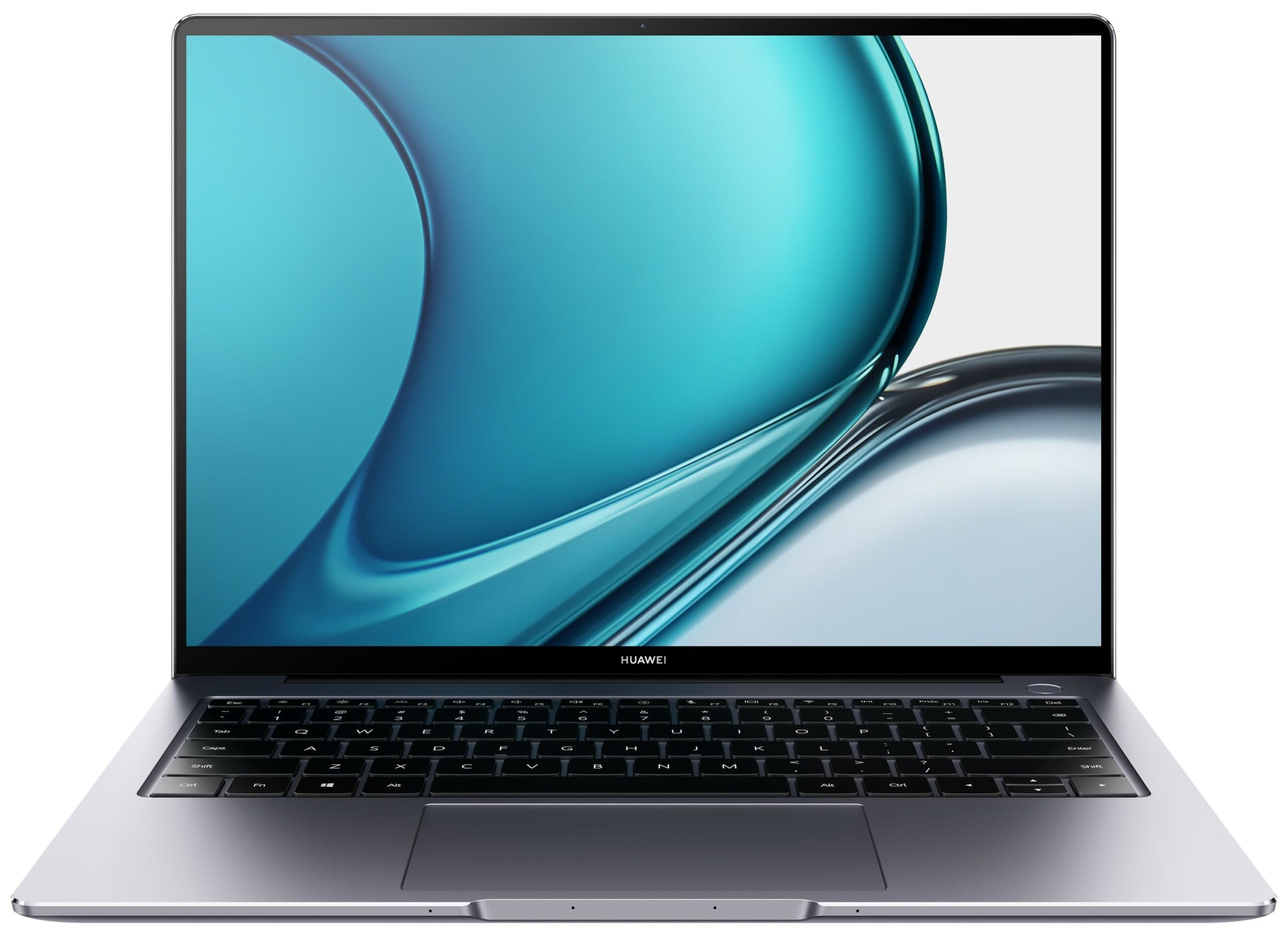
You might want to check out Huawei MateBook 16, featuring an upgraded build for a superior experience.
Display Deep Dive
The 15.6-inch 144Hz IPS display of the Intel NUC X15 strikes a balance between responsiveness and visual clarity, offering a vibrant color palette and wide viewing angles ideal for multimedia consumption and casual gaming. Its 1920x1080 Full HD resolution, while sharp for its size, feels dated in an era of 4K laptops, limiting its suitability for high-resolution content creation or detailed photo/video editing. The 144Hz refresh rate ensures smooth motion handling, making it a strong performer for competitive gaming or fast-paced streaming, though the lack of higher refresh rates (e.g., 240Hz) found in gaming laptops may leave enthusiasts wanting. The IPS panel delivers accurate color reproduction and decent brightness, though it lacks HDR support and a high peak brightness, which could hinder visibility in direct sunlight. Pixel density at 141.21 PPI is adequate for most tasks but falls short of the crispness offered by higher-resolution panels in similarly sized screens. While the display excels in its 1080p sweet spot for media and productivity, its limitations become apparent for users demanding 4K workflows or cinematic-grade detail. The absence of a dedicated GPU in the NUC X15 further restricts its ability to drive external 4K monitors at high frame rates, making it a better fit for integrated graphics-friendly tasks. For those prioritizing a compact, responsive screen for gaming or everyday use, the NUC X15’s display delivers value, but it may not satisfy power users seeking future-proof resolution or advanced display technologies. Ultimately, its display is a pragmatic choice for a versatile workstation, blending performance and practicality within its design constraints.
Take a look at Huawei MateBook D 15 - its improved display sets a new standard.
Performance Metrics
The Intel NUC X15’s performance is anchored by its 14-core, 20-thread i7-12700H Alder Lake-H processor, which delivers robust multitasking and high-performance computing for demanding workloads like video editing or 3D rendering. Paired with upgradable DDR5/LPDDR5 RAM (up to 64GB) and an 8TB NVMe SSD, it ensures swift data access and future-proof scalability. The Iris Xe Graphics G7 (96EU), while capable of handling casual gaming and media playback, struggles with modern AAA titles at higher settings, relying on Intel’s 10nm architecture and 1400 MHz max GPU frequency. Thermal management is handled via a 45W TDP and a 100°C max operating temperature, though sustained high loads may trigger throttling, as noted in performance benchmarks. The 144Hz IPS display complements the system’s responsiveness for gaming or fast-paced workflows, but its 1080p resolution limits 4K rendering or high-detail tasks. Connectivity features like Thunderbolt 4, Wi-Fi 6E, and 2.5G Ethernet enhance productivity for creators and professionals, ensuring seamless data transfer and low-latency networking. However, the absence of a dedicated GPU and 4K display makes it less ideal for GPU-intensive applications or 4K workflows. For users prioritizing CPU-driven performance, upgradability, and responsive multitasking over dedicated graphics or 4K capabilities, the NUC X15 offers a compelling balance. Yet, those requiring a well-rounded system for gaming or high-resolution content creation may find its trade-offs limiting. Its performance aligns with a niche audience valuing compact power and flexibility over all-in-one versatility.
If you're after top-notch performance, consider HP ENVY 17.
Power & Battery Deep Dive
The Intel NUC X15’s battery and charging specifications remain conspicuously absent from its official parameters, a detail that aligns with its design as a desktop-replacement system rather than a mobile laptop. Weighing 1.94 kg and lacking a built-in battery, the device is optimized for use with an external power adapter, relying on a traditional desktop-like power delivery setup. This approach prioritizes performance and upgradability but sacrifices portability, making it ill-suited for users who require unplugged productivity or frequent travel. While the absence of a battery simplifies thermal management and allows for a more compact chassis, it also underscores the NUC X15’s niche positioning as a high-performance workstation rather than a versatile hybrid device. For those who value raw computing power, future-proof storage, and robust connectivity, the lack of battery integration is a minor trade-off. However, users accustomed to laptops with long battery life or on-the-go functionality may find this omission significant. The system’s reliance on a dedicated power source reflects its target audience—professionals and creators who prioritize desktop-level performance in a compact form factor over mobile flexibility. While it excels in delivering sustained processing power and storage scalability, the NUC X15’s charging and battery design reinforces its identity as a workstation-first device, best suited for users who can access a stable power environment.
Connectivity Suite
Robust connectivity features include Thunderbolt 4, Wi-Fi 6E, and 2500 Mbps Ethernet, ensuring seamless data transfer and low-latency networking. Three USB 3.2 Gen 1 ports and a USB-C port with DisplayPort support cater to peripherals and external displays. These capabilities make it ideal for creators and professionals needing high-speed connectivity, though the absence of newer USB 4 or higher-speed Ethernet may limit future-proofing for some users.
Give HP EliteBook 645 G9 a try—it’s designed to provide an unparalleled connectivity.
Exclusive Tech
The Intel NUC X15 integrates a backlit keyboard for low-light usability and an HD webcam adequate for virtual meetings, though neither excels in quality. Its port selection—three USB-A 3.2 Gen 1 ports, a Thunderbolt 4 USB-C/DisplayPort port—offers versatile connectivity for peripherals and external displays. Wi-Fi 6E (802.11ax) and Bluetooth 5.2 ensure modern wireless capabilities, while 2500 Mbps Ethernet caters to high-speed networking. The system’s thermal management (45W TDP, 100°C max operating temperature) balances performance with heat control, though sustained workloads may trigger throttling. Stereo speakers deliver acceptable audio for casual use but lack depth for critical listening. While the feature set prioritizes connectivity and usability for professionals, the absence of newer USB4 support or a higher-quality webcam may limit appeal for users demanding cutting-edge integration or premium multimedia experiences. Overall, it strikes a practical balance between performance, accessibility, and reliability.
Get your hands on Huawei MateBook 16 if you're looking for better features.
Long-Term Ownership
The Intel NUC X15’s support and maintenance specifics are not outlined in the provided data, though Intel’s standard warranty and service policies likely apply. The system’s upgradability (e.g., DDR5/LPDDR5 RAM, 8TB NVMe SSD) and modular design facilitate long-term maintenance, allowing users to replace or enhance components as needed. However, the absence of detailed support terms, repair timelines, or extended service options in the source material leaves gaps in assessing its post-purchase reliability. While the hardware’s durability and thermal management (45W TDP, 100°C max) suggest potential for sustained performance, users may need to rely on Intel’s general support resources or third-party services for troubleshooting. For organizations prioritizing predictable maintenance cycles, the lack of explicit support details could pose a challenge, emphasizing the need to verify Intel’s official policies for comprehensive coverage.
Pros
- Powerful 14-core Alder Lake-H processor for demanding workloads and multitasking.
- Upgradable DDR5/LPDDR5 RAM (up to 64GB) and 8TB NVMe SSD for future-proof scalability.
- Robust connectivity with Thunderbolt 4, Wi-Fi 6E, and 2.5G Ethernet for high-speed data transfer.
- Durable magnesium alloy chassis with compact design for portability and professional aesthetics.
- 144Hz IPS display delivers smooth visuals for gaming and media, complementing performance.
Cons
- 1080p resolution on the 15.6-inch display limits 4K content creation and high-detail workflows.
- Reliance on integrated Iris Xe graphics restricts AAA gaming and GPU-intensive tasks.
- Lack of a built-in battery and desktop-like power requirements reduce mobility and flexibility.
- Absence of USB 4 and higher-speed Ethernet may hinder future-proofing for advanced users.
FAQ
Compare with other laptops
See how this item stacks up against any other model
Compare laptops
VS
VS
Suggested comparisons
Choose two different items to see a detailed comparison of their specifications, performance, and features